English
 Deutsch
Documenting Outgoing Goods: A Step-by-Step Warehouse Workflow
The moment goods leave your dock is the moment liability shifts. A step-by-step workflow for documenting outbound shipments — what to capture, when, and how to make every dispatch defensible.
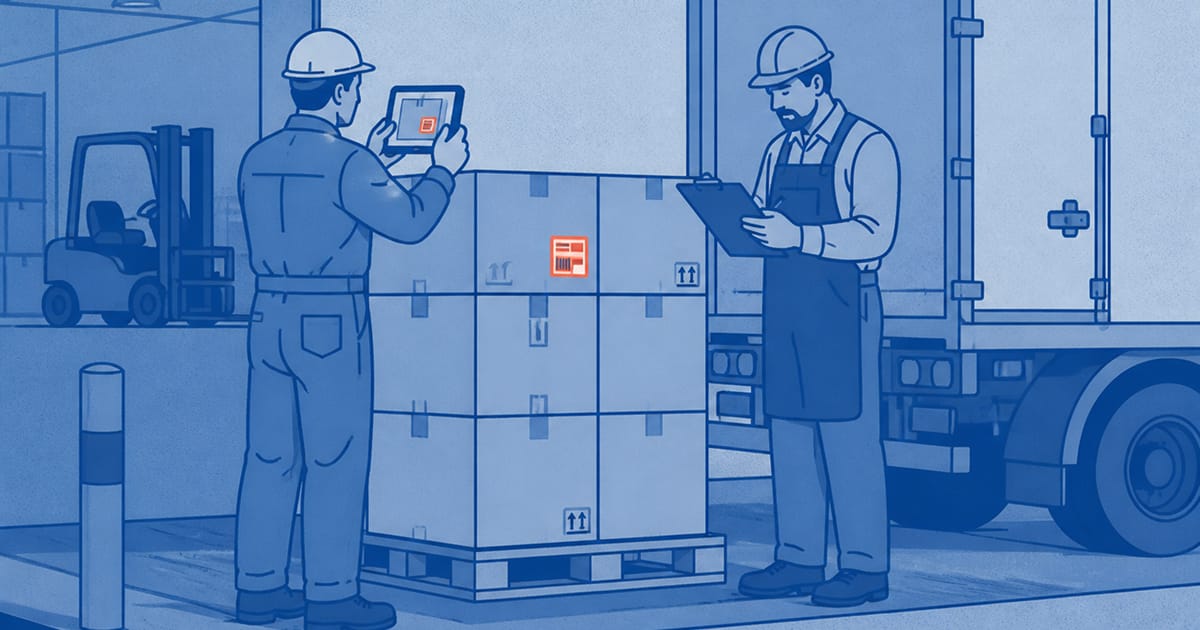
The moment goods leave your dock is the moment your liability is decided. After that point, anything that goes wrong — a short count, a crushed carton, a wrong SKU — is something you have to disprove rather than something you can simply check. Documenting outgoing goods is how you move that burden of proof back to where it belongs.
Most warehouses already inspect outbound shipments in some form. The problem is that the inspection leaves no trace. This guide sets out a workflow that produces a usable record every time, without slowing the floor down.
What "documenting outgoing goods" really means
Visual outgoing goods control is the practice of capturing the condition and contents of a shipment at dispatch, in a form that can be retrieved later. It is the recorded layer on top of outgoing quality control (OQC). The inspection answers "is this shipment correct?" The documentation answers "can we prove it was?"
A good record is specific to the order, timestamped, and stored somewhere other than an individual's phone. Those three properties are what make it hold up months later when a claim arrives.
The workflow, step by step
Step one: stage the shipment. Once picked and packed, bring the order to a consistent dispatch point with adequate light. Consistency matters more than perfection — the same spot, the same angle, every time.
Step two: photograph the shipment against the order. Capture the overall pallet or parcel, then the labels and identifiers, then any area of concern. The goal is a set of images that, on their own, show what shipped and in what state.
Step three: verify against the pick list. The photos are not a replacement for checking quantities and SKUs — they are the evidence that the check happened. This is where errors get caught before they leave.
Step four: capture packaging and seals. Strapping, shrink wrap, tamper seals and pallet condition all matter in a damage or tampering dispute. A sealed container photo is often the single most valuable image in a later claim.
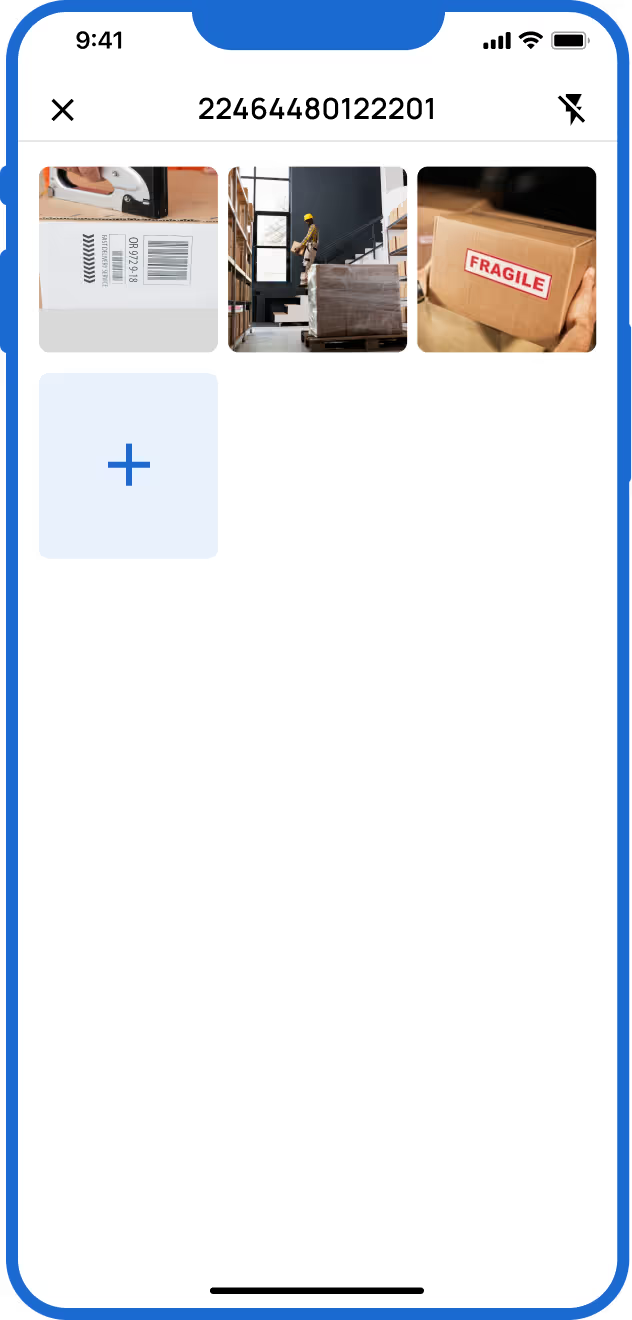
Step five: file against the order automatically. The record is only useful if it can be found by order number without anyone manually sorting photos. This is the step that breaks down when staff use personal phones — and the reason a purpose-built warehouse photo app earns its place.
What to capture in each photo
Aim for four categories per shipment: identification (labels, SKUs, addresses), quantity (a clear view of what is present), condition (packaging integrity, any pre-existing marks), and security (seals, strapping, closures). Four to six photos per outbound shipment is usually enough to be defensible without becoming a chore.
If goods arrived damaged and you are shipping them onward, the same discipline applies on the way in. Our guide to documenting pallet damage at inbound receiving covers the receiving side of the same problem.
From photos to a shareable record
Raw photos are evidence; a report is communication. When a customer or insurer asks for proof, you want to send a clean, organised document rather than a folder of unsorted images. The mechanics of turning captures into a professional output are covered in how to create effective photo reports for logistics and warehousing.
Where outgoing documentation usually fails
Three failure points account for most breakdowns. Personal phones, where photos are scattered, private and lost when staff leave. Inconsistency, where some shifts document and others do not. And retrieval, where the photos exist somewhere but cannot be found when the claim arrives. A workflow that does not solve all three is not a workflow — it is a hope.
Frequently asked questions
What is visual outgoing goods control?
It is the practice of photographing outbound shipments at dispatch — contents, condition, packaging and labels — and storing those images against the order, so the state of the goods at the point of departure can be proven later.
How many photos should I take per outbound shipment?
Usually four to six: identification, quantity, condition and seals. Enough to be defensible without slowing the floor down.
Why not just use a phone camera?
Phone photos end up scattered across personal devices, are hard to tie to a specific order, and disappear when staff leave. A shared system files each photo against the order automatically and keeps the record with the business.
Turn dispatch into evidence
Blimp lets floor staff document an outbound shipment in seconds on a shared device, with every photo attached to the right order. See how it works or get started.
Related reading
- What is OQC (Outgoing Quality Control)? Definition, Process and Examples
- How to create effective photo reports that strengthen your logistics operations
- Goods received note vs photo documentation: what’s the difference and why you need both
- FAT and SAT Documentation: A Practical Guide for Machine Manufacturers