English
 Deutsch
How to document pallet damage before it becomes your problem
Pallet damage at receiving is one of the most preventable liability exposures in warehouse operations. Here's exactly what to photograph, when, and why — before you sign anything.
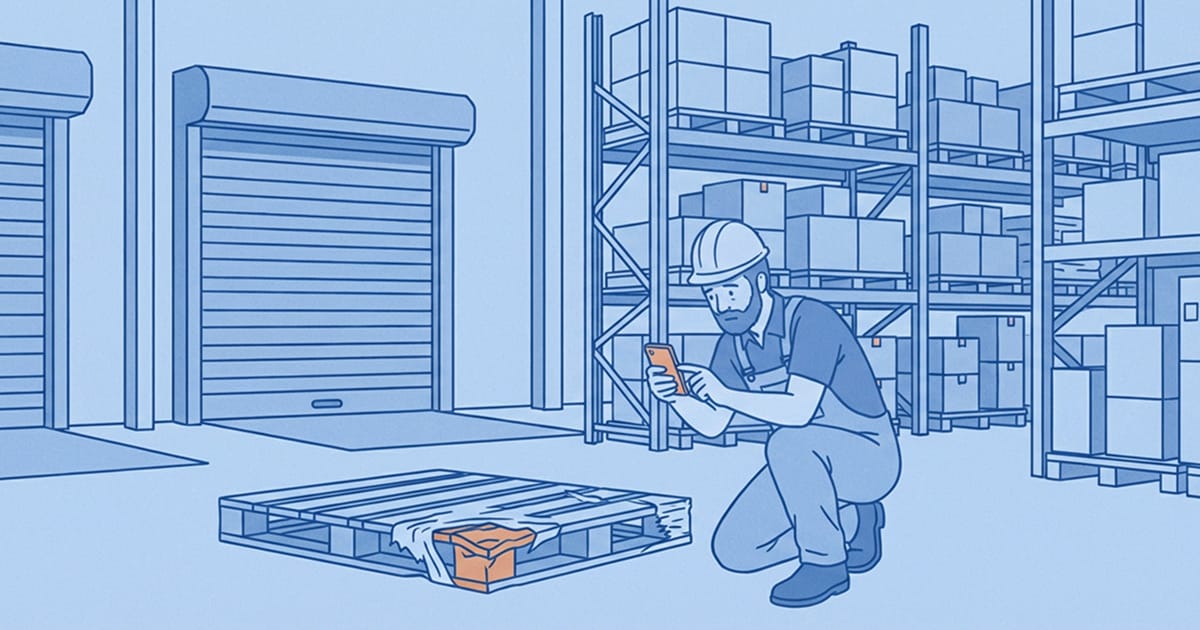
Pallet damage at inbound receiving is one of the most expensive grey areas in warehouse operations. Not because it happens often, but because when it does, the question is always the same: was the damage there when it arrived, or did it happen here?
Without documentation, that question is unanswerable. The warehouse absorbs the cost. The dispute drags on. And next time it happens, nothing has changed.
The good news is that this is one of the most preventable liability exposures in the entire logistics chain — and it takes less than two minutes at the point of receiving to eliminate it.
Why the receiving dock is your highest-liability moment
When a truck arrives and your team unloads it, a clock starts. Before those pallets are moved, wrapped, or touched further, they carry the condition they arrived in. That condition is your evidence baseline. Once goods enter the warehouse and start being handled, the chain of custody becomes blurry — and in a dispute, blurry always costs money.
Carriers and suppliers know this. Under international transport conventions like CMR (covering road freight), the carrier's liability is significantly weakened once goods are accepted without reservation. If your receiving team signs off on a delivery without noting visible damage, you've just accepted responsibility for that damage — even if it was caused in transit.
Photo documentation taken before anything is moved or signed off is the only reliable way to establish what condition goods were in at the moment of handover.
What to document at inbound receiving — a practical checklist
The photos that matter most are the ones taken before handling begins. Specifically:
- The trailer or container on arrival — exterior condition, seal number visible and intact, any signs of damage to the vehicle itself
- The load as initially visible — before any goods are moved, photographed from multiple angles showing how the load was arranged
- Pallet condition — broken boards, crushed corners, leaning loads, damaged stretch wrap
- Packaging condition — wet or mould-affected cartons, crushed boxes, torn or missing labels
- Any visible damage before unloading — photographed in situ, showing the damage in context of the load rather than isolated after handling
- Quantity discrepancies — if the count doesn't match the delivery note, photograph the actual goods alongside the documentation
This takes two to three minutes per delivery. The protection it provides lasts for however long the goods remain in the chain — and however long a dispute might run.
For a detailed look at how inbound and outbound documentation connect into a single quality loop, see Closing the loop: IQC and OQC photo documentation.
The difference between useful evidence and a folder of photos
Taking photos at receiving is not the same as having useful documentation. The photos need three things to be evidence rather than just images:
1. A timestamp — proving when the photo was taken relative to the delivery event. A photo taken at 14:32 on the day of delivery is very different from one taken the following morning.
2. A shipment reference — linking the photo to a specific delivery note, PO number, or carrier reference. Without this, a photo of damaged packaging is just a photo of damaged packaging. It could relate to anything.
3. User attribution — knowing who took the photo matters when a dispute involves questions about what was seen and when.
Photos taken on personal phones, shared via WhatsApp, or saved to a folder on a shared drive typically have none of these in a retrievable form. The timestamp is buried in EXIF data. The shipment reference exists only if someone remembered to label the file. User attribution relies on whoever's camera it is.
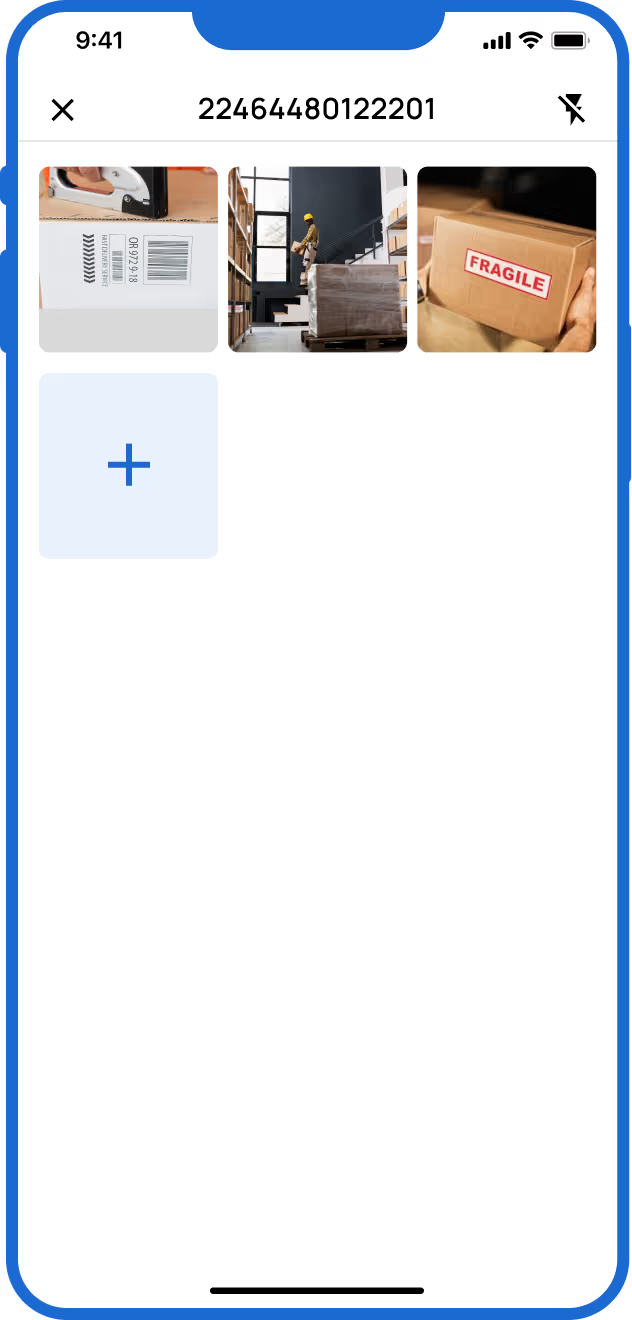
A dedicated photo documentation tool handles all three automatically — you scan the delivery reference, take the photos, and everything is linked and stored without any additional steps.
How to handle damage you find mid-unload
Not all damage is visible before unloading begins. Concealed damage — goods that appear intact on the outside but are broken, missing, or degraded inside — is one of the hardest claims to make stick, because by the time it's found, the goods have already been accepted.
The practical approach for concealed damage found during or after unloading:
- Stop handling the affected goods immediately
- Photograph the damage in context — showing surrounding packaging and the pallet it came from
- Note the discovery on the delivery receipt before the driver leaves if possible
- Log the damage against the delivery reference in your documentation system immediately, while the details are fresh
The photo record created at this point, even after acceptance, is significantly stronger than no record at all. Courts and insurers look for contemporaneous evidence — documentation created close to the time of discovery rather than reconstructed later.
FAQ: Documenting pallet damage at inbound receiving
Do I have to note damage on the delivery receipt to make a claim?
Under CMR (road transport) and most carrier contracts, noting visible damage or shortage on the delivery receipt significantly strengthens your position and in some cases is required to preserve claim rights. For concealed damage, most conventions allow a reasonable period (typically 7 days under CMR) to notify the carrier after discovery. Photo documentation created at the time of discovery supports the timeline of any such notification.
What if the driver won't wait for me to take photos?
Drivers are not legally entitled to demand immediate signature without inspection. You have the right to inspect goods before signing. If a driver is applying pressure, note on the receipt that inspection was refused or time-limited, and photograph the goods immediately after departure. A receipt signed under duress with a note attached is better than a clean receipt with no record of the circumstances.
How do I link inbound photos to a specific delivery?
The most reliable method is barcode or QR scanning at the point of capture. Apps like Blimp let you scan the delivery note barcode before photographing, automatically linking every image to that reference. This removes the need to manually label or sort photos after the fact.
How long should inbound receiving photos be kept?
The minimum recommended retention period is 12 months, covering most standard limitation periods for cargo claims. For high-value goods or regulated industries, longer retention is advisable. Cloud-based storage with automatic archiving is the most practical solution for multi-site or high-volume operations.
Making the receiving dock a liability firewall
Pallet damage documentation doesn't require more staff, more time, or more complexity. It requires a consistent two-to-three minute process at every inbound delivery, using a tool that handles the organisation automatically.
Done correctly, it transforms the receiving dock from the point where liability is absorbed into the point where liability is assigned correctly — to the party responsible for the damage, not the one unlucky enough to be holding the goods when it was discovered.
To see how this works in practice, try Blimp free with no setup costs and no personal logins required.
Related reading
- Goods received note vs photo documentation: what’s the difference and why you need both
- Closing the loop: How photo documentation strengthens incoming and outgoing quality control
- How digital photo documentation is transforming container loading inspections
- What is OQC (Outgoing Quality Control)? Definition, Process and Examples