English
 Deutsch
Warehouse photo app: a smarter way to take photos on the floor
If you're the one taking photos in the warehouse, this one's for you. Here's how a dedicated warehouse photo app removes the friction from your daily documentation — and makes your job easier.
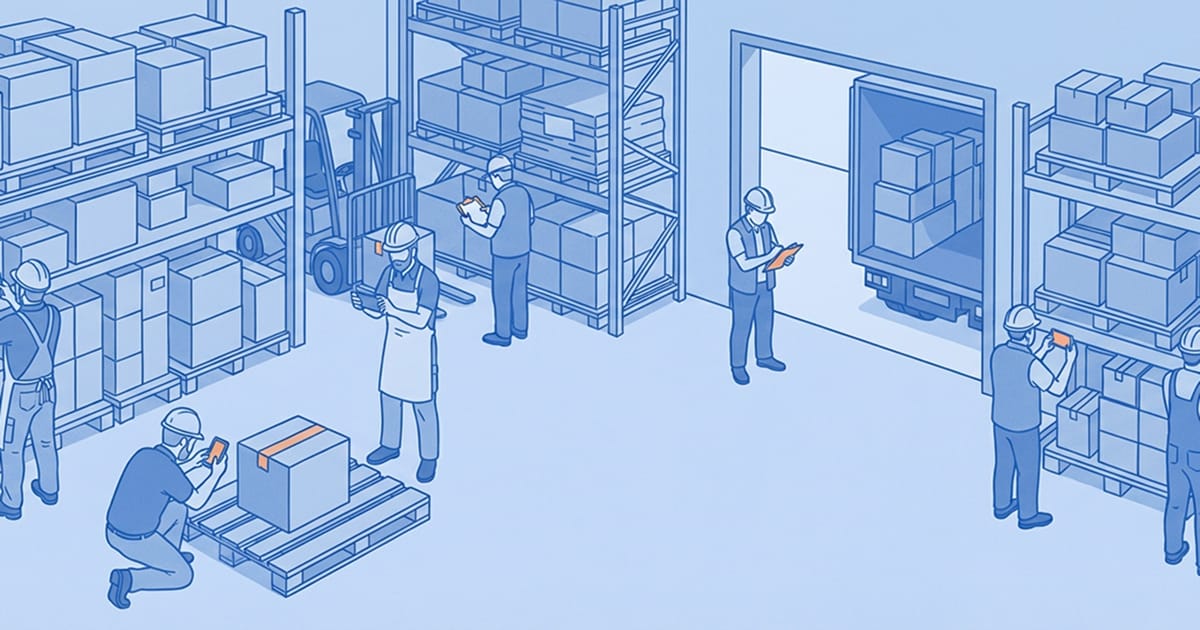
You already know how to take a photo. That's not the problem.
The problem is everything that happens around it. Figuring out where to send it. Making sure it ends up in the right place. Being asked about a photo three weeks later that you definitely took but can't find now. Spending time at the end of a shift sorting through your camera roll trying to remember which picture belongs to which job.
If that sounds familiar, a warehouse photo app isn't about learning a new skill. It's about removing a set of small frustrations that have built up around a task you were already doing.
The real cost of how photos are taken today
Most warehouses haven't given floor staff a dedicated tool for photo documentation. The default is personal phones, shared cameras, or whatever messaging app the team uses. And in the moment, these work fine — you take the photo, you send it, job done.
But the friction surfaces later. Someone asks for the photo of a damaged pallet from last Tuesday. It's in a WhatsApp thread somewhere, but which one? Or it's on a phone belonging to someone who's already off shift. Or it got sent to the wrong group. Or the attachment was too large and never went through.
None of this is your fault. The system was never designed to handle photo documentation at scale. And as the person on the floor taking the photos, you end up absorbing the consequences — repeated questions, last-minute searches, being asked to retake photos that should already exist somewhere.
A warehouse photo app closes this gap. Not by making you take more photos, but by making the photos you already take actually findable and usable.
What changes when you use a dedicated warehouse photo app
The biggest shift is that photos stop living in your personal camera roll and start living in the right place automatically.
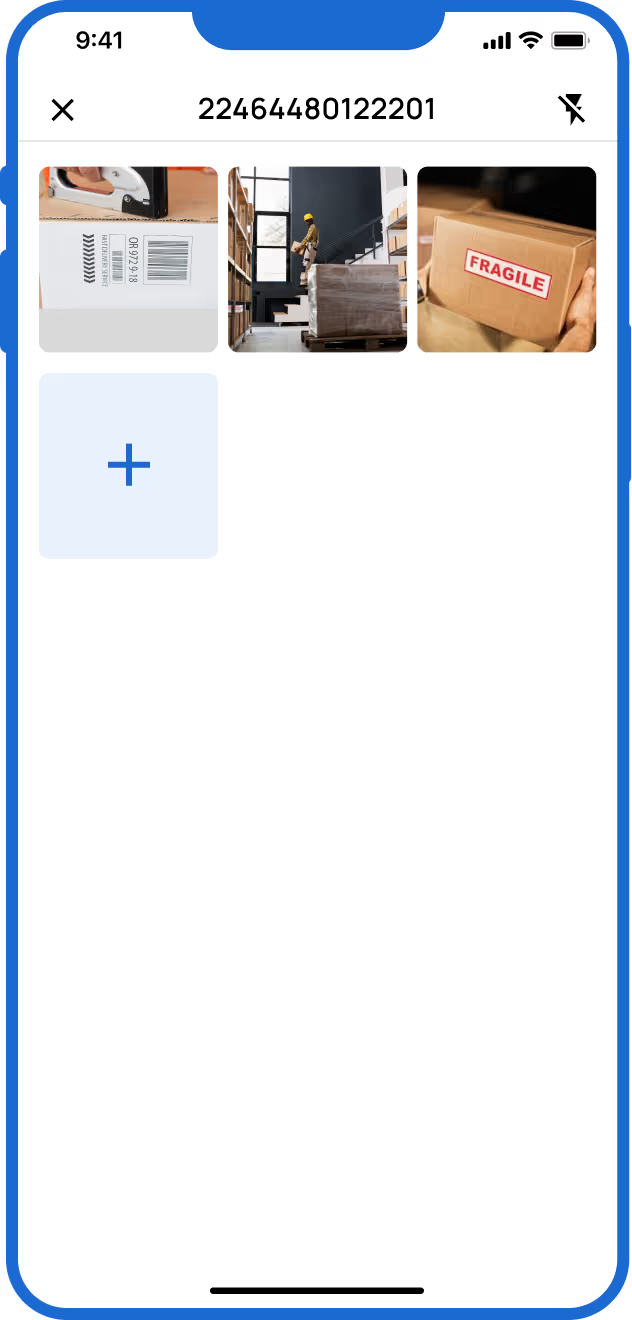
With an app like Blimp, the workflow on the floor is straightforward. You scan a barcode or QR code on the shipment or pallet you're documenting. You take the photos. Done. The app links the images to the correct reference, timestamps them, and uploads them automatically. You don't name anything. You don't move anything. You don't send anything to anyone. It's handled.
This matters because it removes the part of the job that was never really your job in the first place — the admin around the photos, not the photos themselves.
For a full overview of how the mobile app works on the floor, see the Blimp Mobile App page.
You don't need to use your personal phone
One thing that frustrates a lot of floor staff is being expected to use a personal device for work documentation. Your phone, your data plan, your storage filling up with photos that aren't yours to keep.
A proper warehouse photo app is designed to work on shared devices. With Blimp, any member of the team enters a personal PIN to start a session on a shared device. They take their photos, finish the session, and walk away. Every photo is attributed to the right person and the right job — without anyone needing their own account or their own phone.
This protects your personal device and keeps work documentation where it belongs: in a system the whole team can access, not in someone's camera roll.
It works even when the signal doesn't
Warehouses aren't always well-connected. Whether it's a loading dock with patchy signal, a cold store with no reception, or a site that just has dead zones — connection problems are a real part of the job.
Blimp's mobile app works offline. You take your photos exactly as usual, and everything syncs automatically once you're back in range. You never lose documentation because of a signal drop, and you never have to wait for a connection before you can get on with the next job.
No complicated logins. No training required.
New tools on the warehouse floor often come with a learning curve that nobody has time for. Long setup processes, passwords nobody can remember, interfaces that take twenty minutes to figure out.
Blimp is designed to work like any other camera app on your phone — except it organises everything automatically in the background. The capture flow is fast: scan, photograph, done. If you can use a smartphone camera, you can use Blimp. There's no manual, no training session, and no admin overhead on your end.
The PIN login means you can pick up any device on the floor, enter your number, and be ready to document in seconds. When the session ends, your work is saved and the device is ready for the next person.
Your photos don't disappear when you leave
This is one of the quieter benefits, but it matters. When documentation lives on personal phones, it leaves the company when the person does. If you move on to another job, everything you captured goes with you — not because you took it intentionally, but because there was nowhere else for it to go.
With a shared device and a proper warehouse photo app, everything you capture is stored centrally from the moment you take it. It's organised, searchable, and accessible to the people who need it — whether that's your supervisor reviewing reports, a manager handling a claim, or a customer asking for proof of condition.
Your documentation does its job long after the shift ends.
Common questions
What is the easiest warehouse photo app to use?
The easiest warehouse photo apps are the ones that work like a camera app — fast to open, simple to operate, and designed around quick capture rather than form-filling. Blimp's mobile app is built specifically for this: scan a reference, take photos, and the rest is handled automatically. No manual organisation, no complicated login process.
Can I use a warehouse photo app without my personal phone?
Yes. Blimp is designed for shared device use, which means it works on a company-provided phone or tablet without any requirement for personal accounts. You log in with a PIN, do your documentation, and log out — your personal device stays out of it entirely.
Does a warehouse photo app work without WiFi?
Blimp works offline. Photos and documentation captured without a connection are stored locally and sync automatically when you're back online. This makes it reliable in loading docks, cold stores, basement areas, and any other part of a warehouse where signal is unreliable.
How do I make sure my photos go to the right shipment?
Blimp links photos to the correct shipment automatically by scanning the barcode or QR code associated with the job before you capture anything. Once scanned, every photo you take in that session is tagged to the correct reference — no manual sorting needed after the fact.
What happens to my photos after I take them?
In Blimp, photos are automatically uploaded to a central cloud system as soon as you have a connection. They're named, timestamped, and linked to the correct shipment record. Managers and supervisors can access them instantly through the web app — you don't need to forward anything or follow up.
The floor is where documentation starts
Warehouse documentation doesn't begin with a manager reviewing reports or a customer making a claim. It begins with you — the person on the floor with a device in their hand, capturing the condition of goods at the moment that matters.
A warehouse photo app doesn't change that responsibility. It just makes it faster, cleaner, and less likely to create problems down the line. The photos you take do their job. They end up in the right place. They're there when someone needs them.
That's what a good tool is supposed to do.
If you want to see what it looks like in practice, try Blimp free — no setup, no personal login required.